- 01
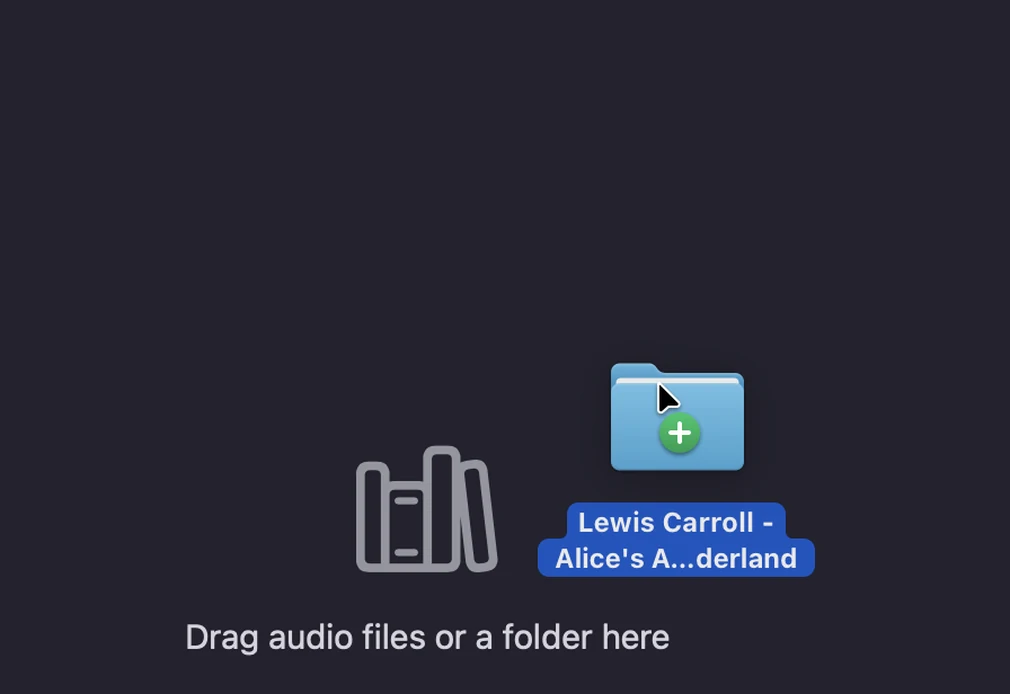
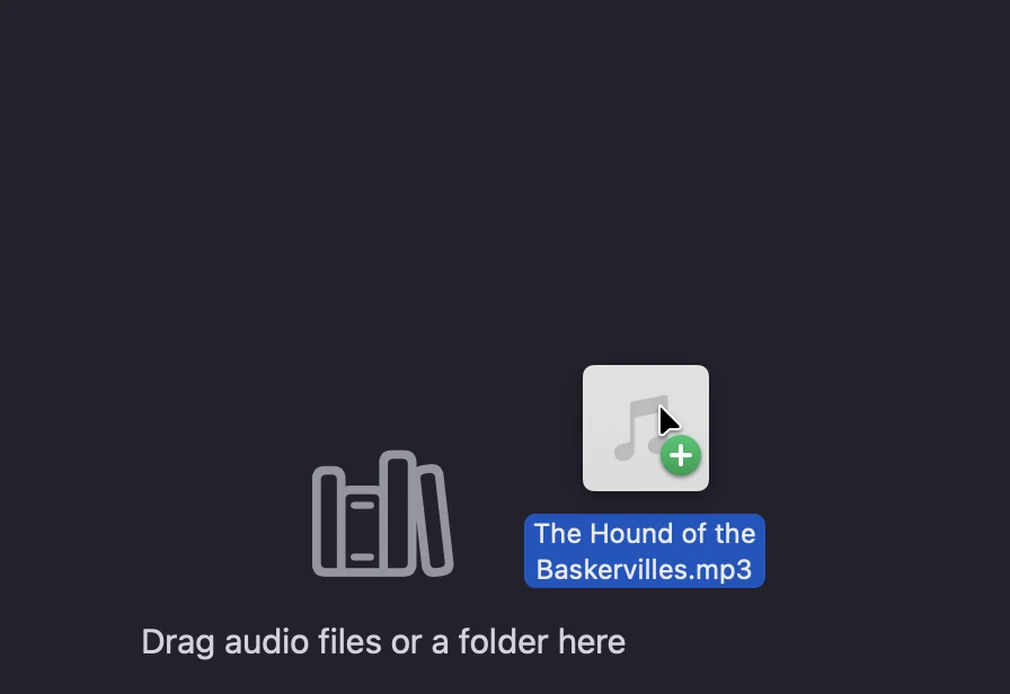
Drop in your files
One long recording, a folder of files, or the sound from a video.
- 02
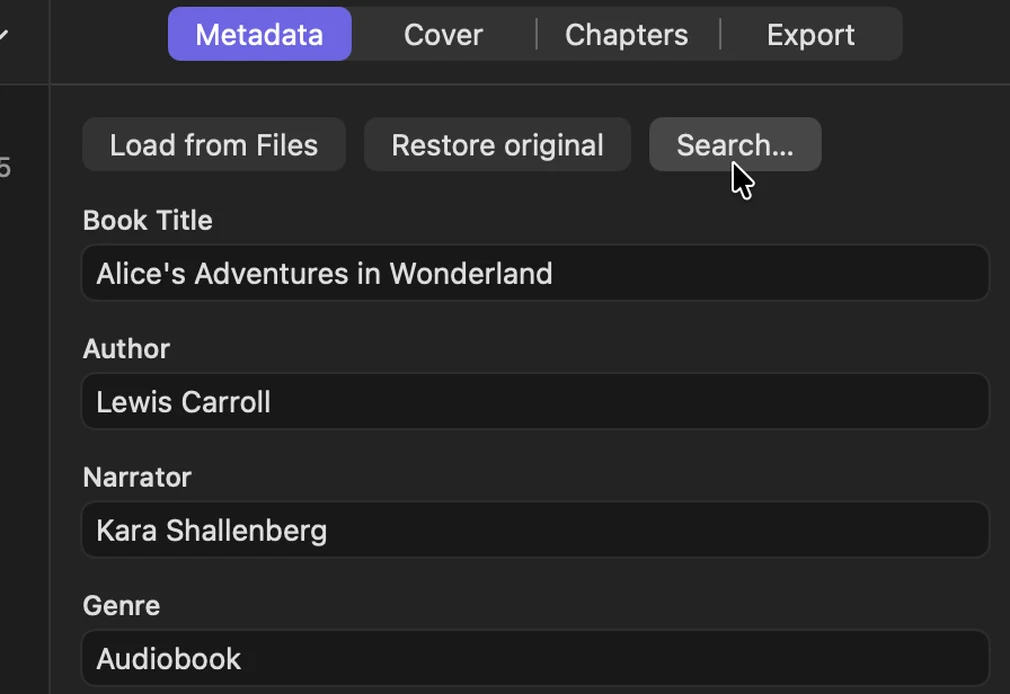
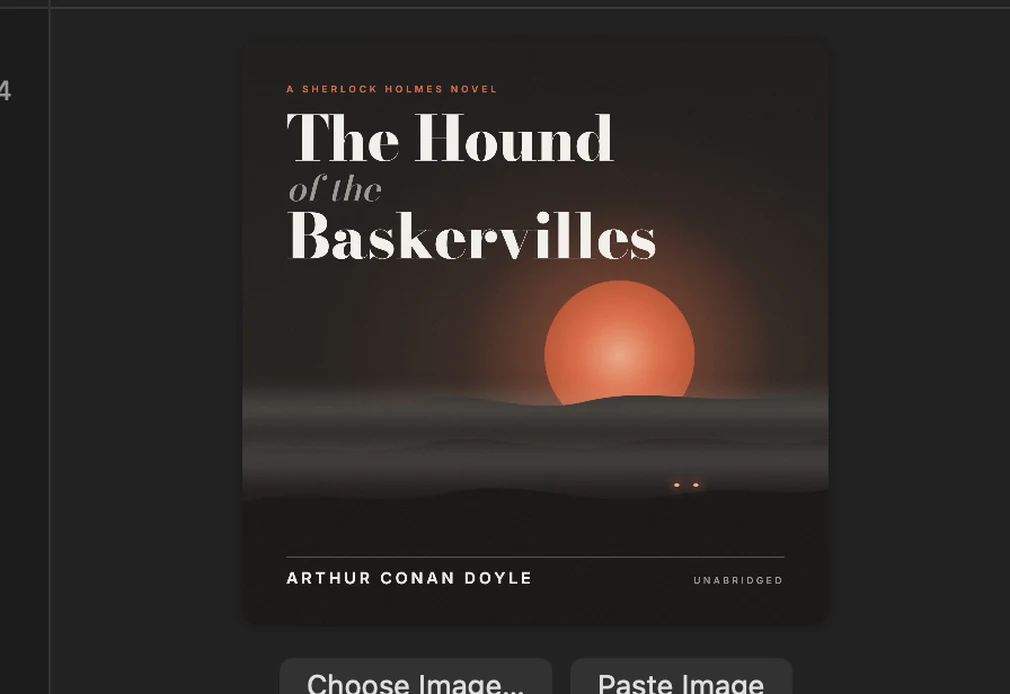
Search for the book
Fill in the title, author, narrator, description and cover in one search.
- 03
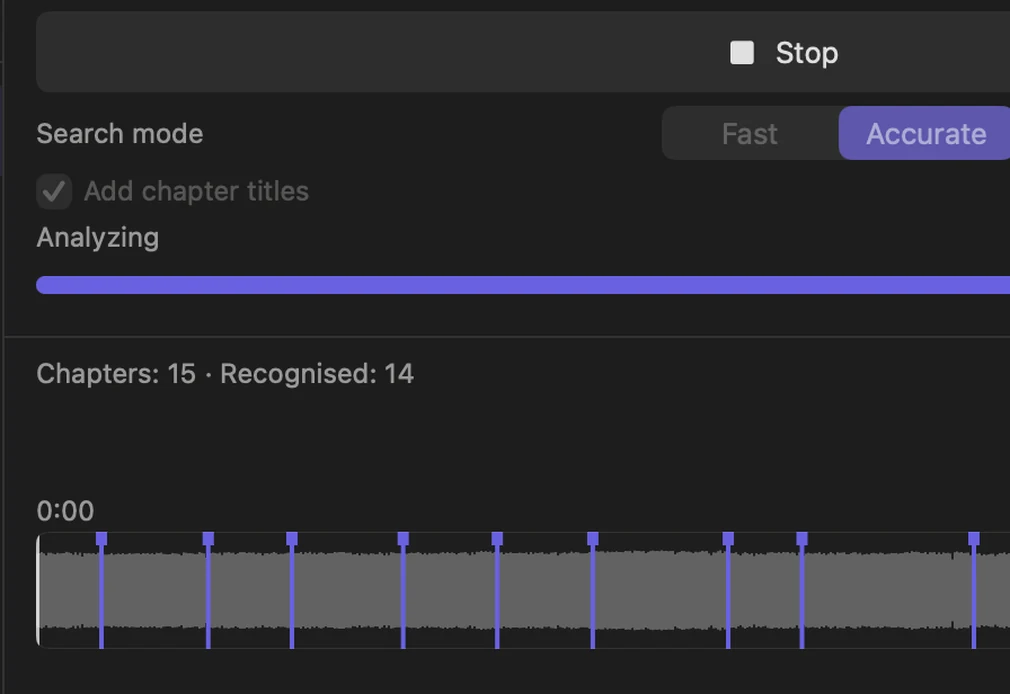
Let Abobi set the chapters
Choose Fast or Accurate and click Find Chapters. Turn on Add chapter titles and Abobi names them too.
- 04
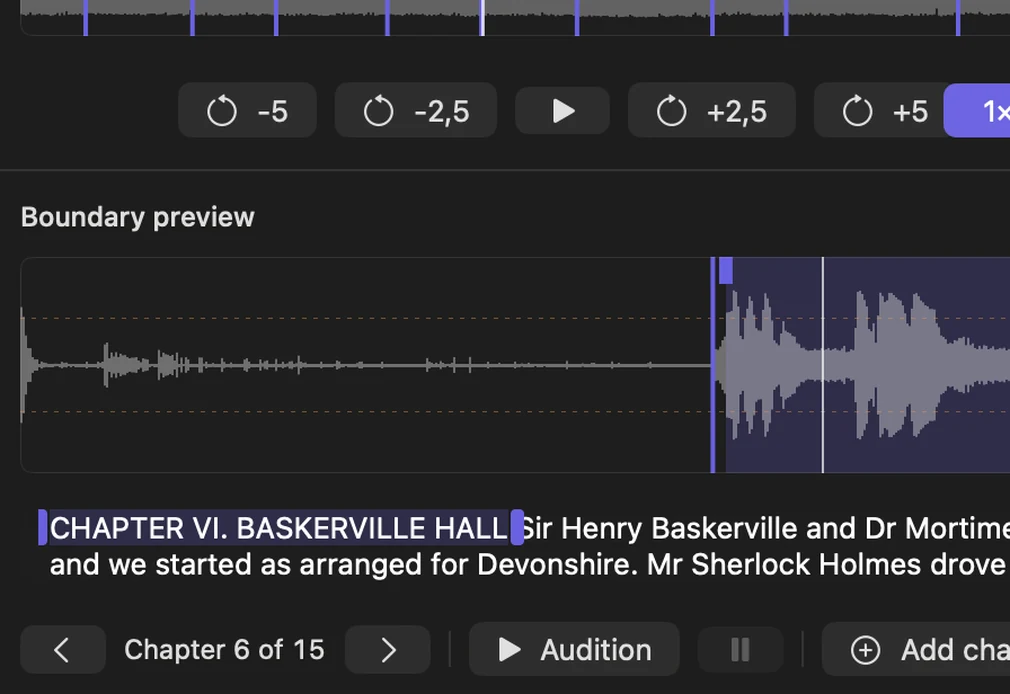
Verify or edit the chapters
Chapters worth a second look are marked. Click a boundary to hear it, drag it to move it, and select words in the transcript to pick a title. Every change can be undone.
- 05
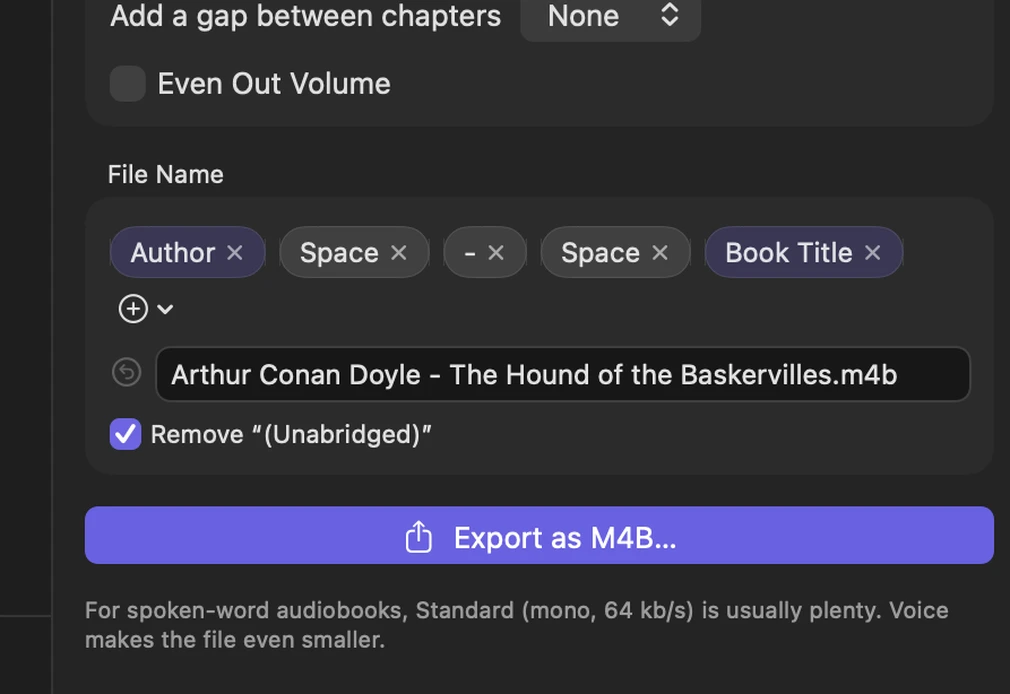
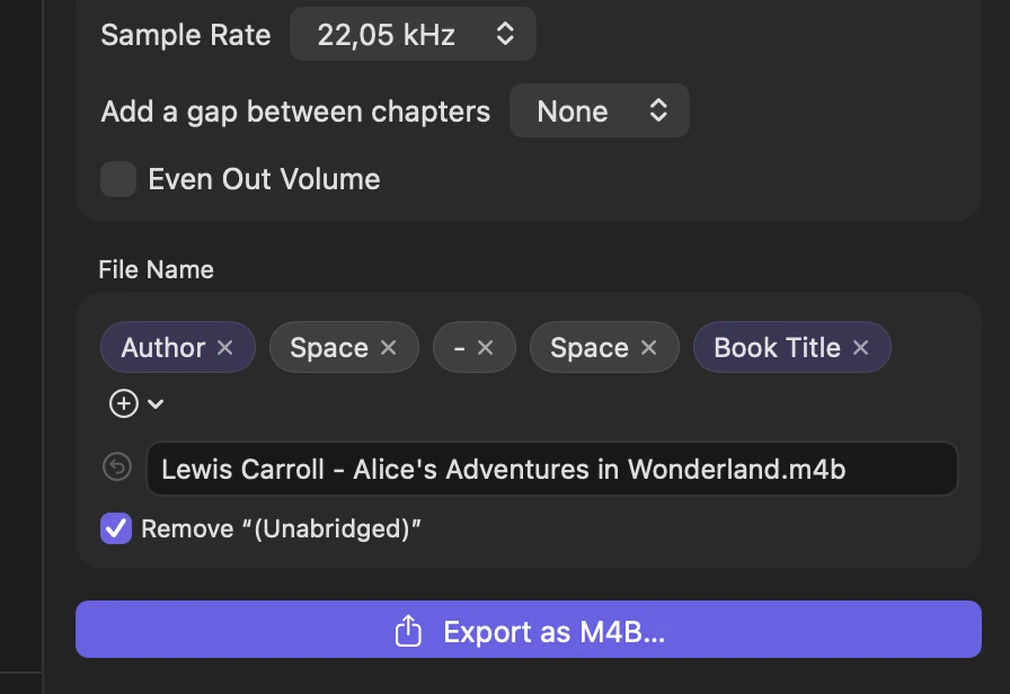
Export one M4B
Every chapter in place, with the cover and book details.